One tap.
Your connection,
our own engine.
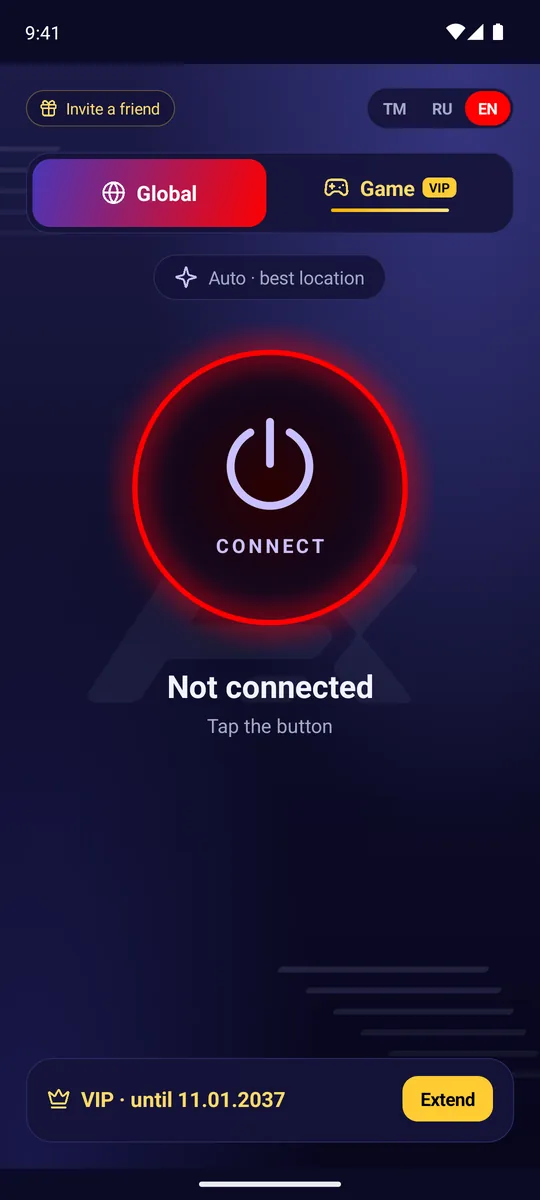
AE-X is a VPN: the app, the engine and the server network are ours. Global mode protects the whole phone, Game mode gives online games their own route with live ping.
Global: all traffic of the device goes through an encrypted tunnel to our servers.Game: a separate route for online games, with the live ping on the main screen.
Interactive demo of the app's connect buttonTwo modes, one button.
Device-wide VPN: all traffic of the phone goes through an encrypted tunnel to our servers. In Global mode the core checks the path every few seconds and moves you to a better entry when loss or delay grows.
A separate route for online games. The main screen shows the live ping to the game route, measured through the tunnel every 1.5 seconds: red before you connect, green once the route is up.
Our own servers, close to you.
AE-X runs on our own servers in six regions, and every region is linked to every other one. “Auto” picks the fastest for you — tap the ring above and watch the network light up.
The brighter countries are the ones our servers stand in; the arcs are the links between regions.
What is inside AE-X.
AE-X Core
Our own VPN engine. It carries both sing-box and Xray, and the right one is picked for each server automatically — you never choose a protocol.
Auto best server
“Auto” checks all locations at once and takes the fastest one, with the load of the servers counted in. VIP can also pick a location by hand.
Switching by quality
In Global mode the core watches loss and delay; when the path gets worse, it moves you to a better entry by itself.
Live ping in Game
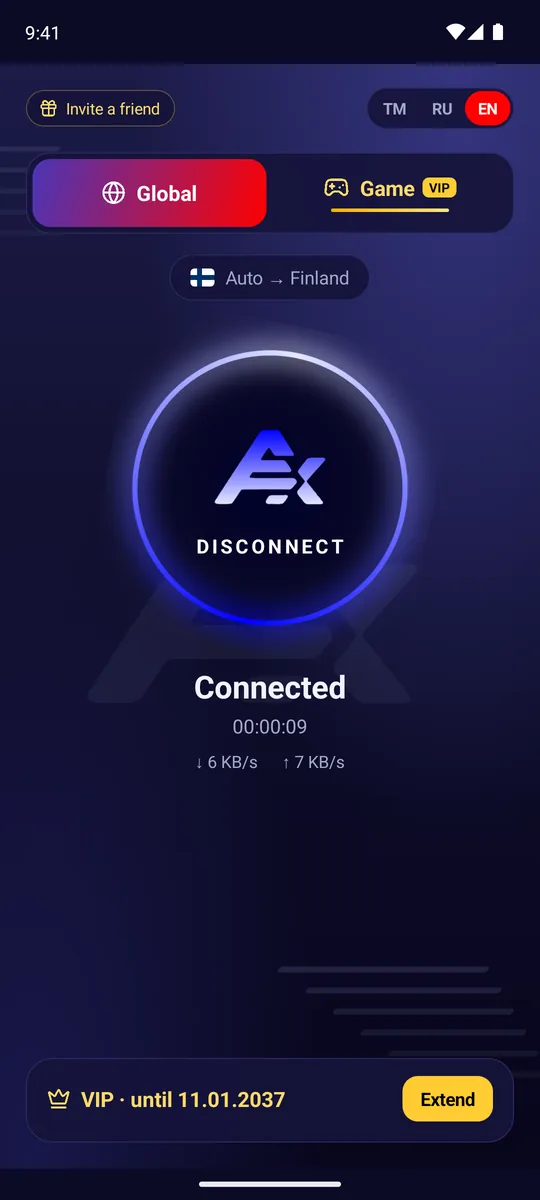
The ping to the game route is measured through the tunnel every 1.5 seconds and shown right on the main screen.
Own design, light and dark
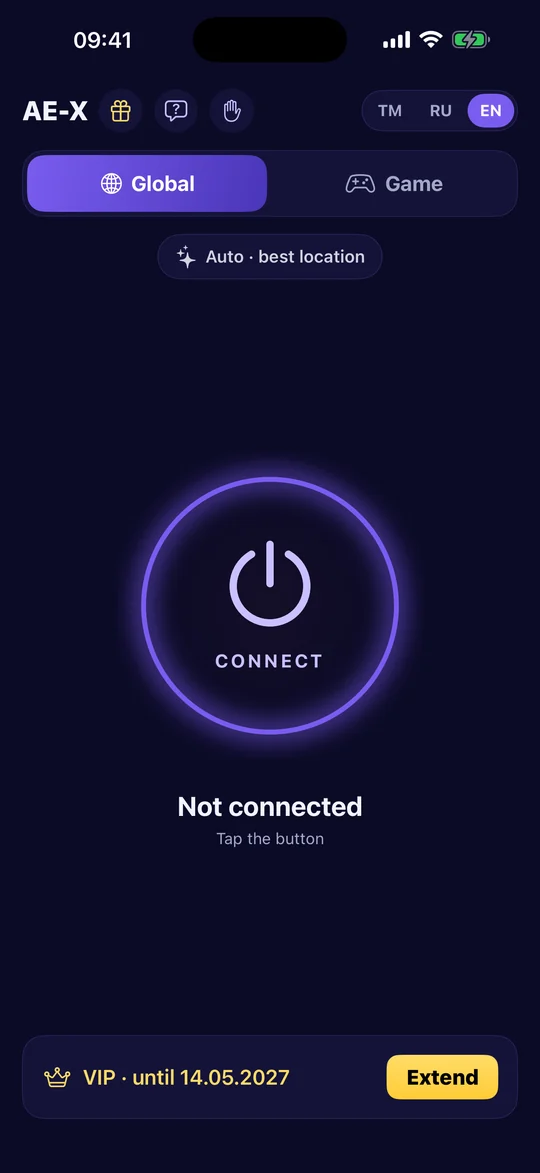
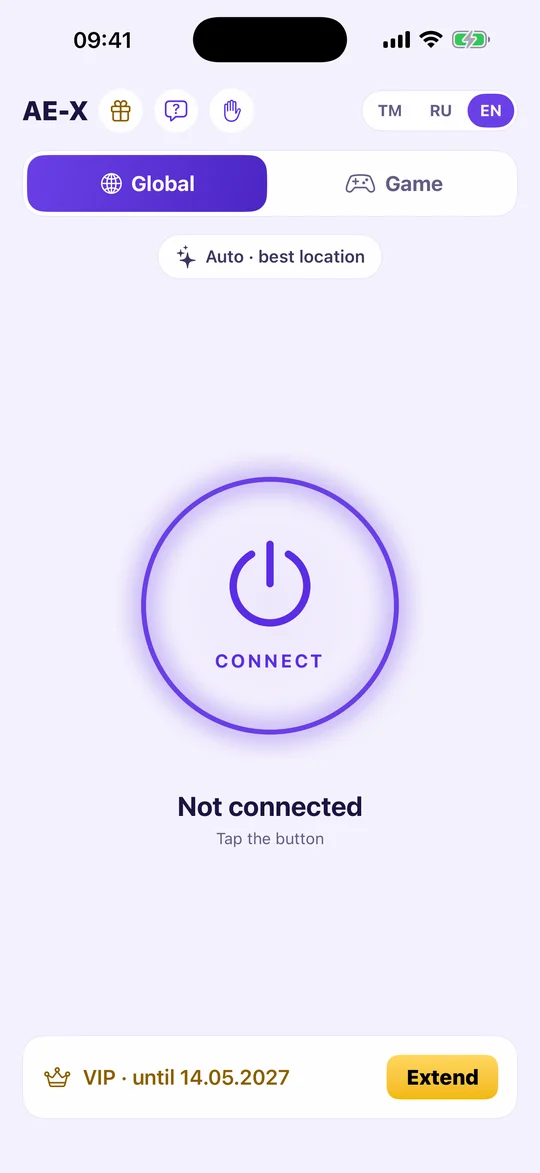
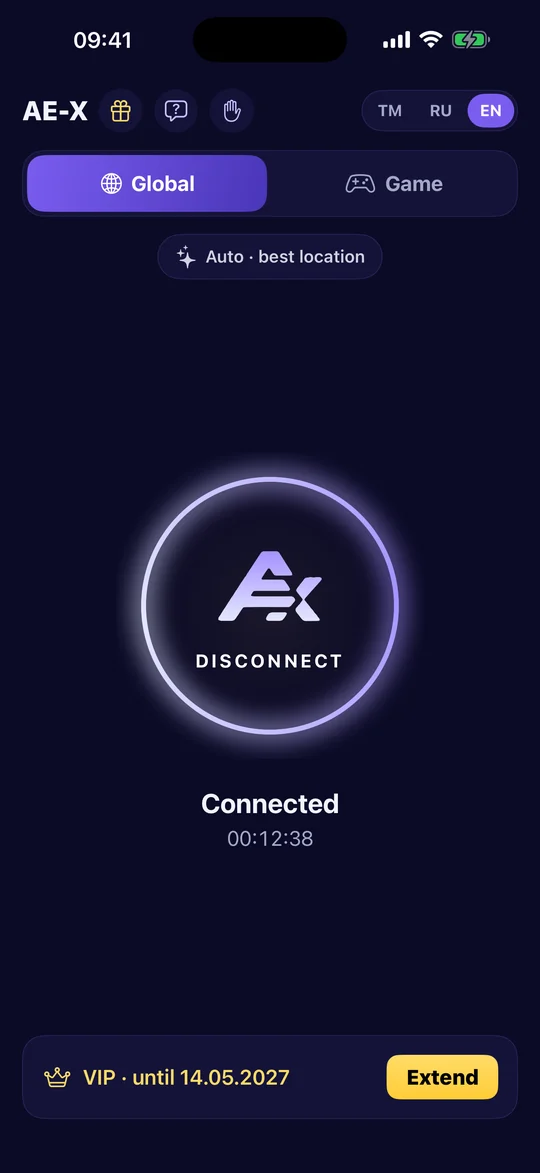
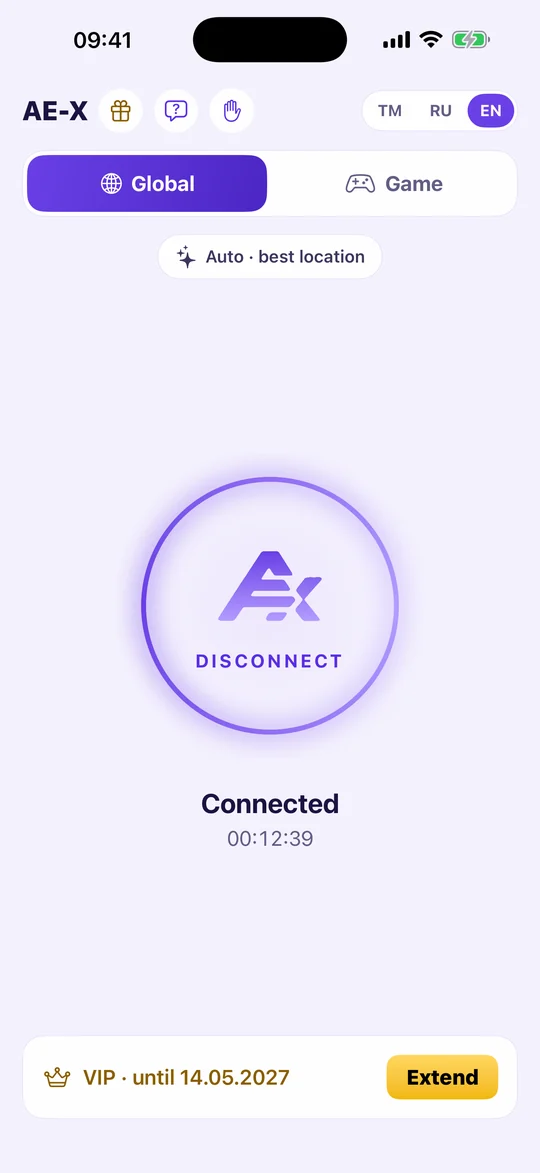
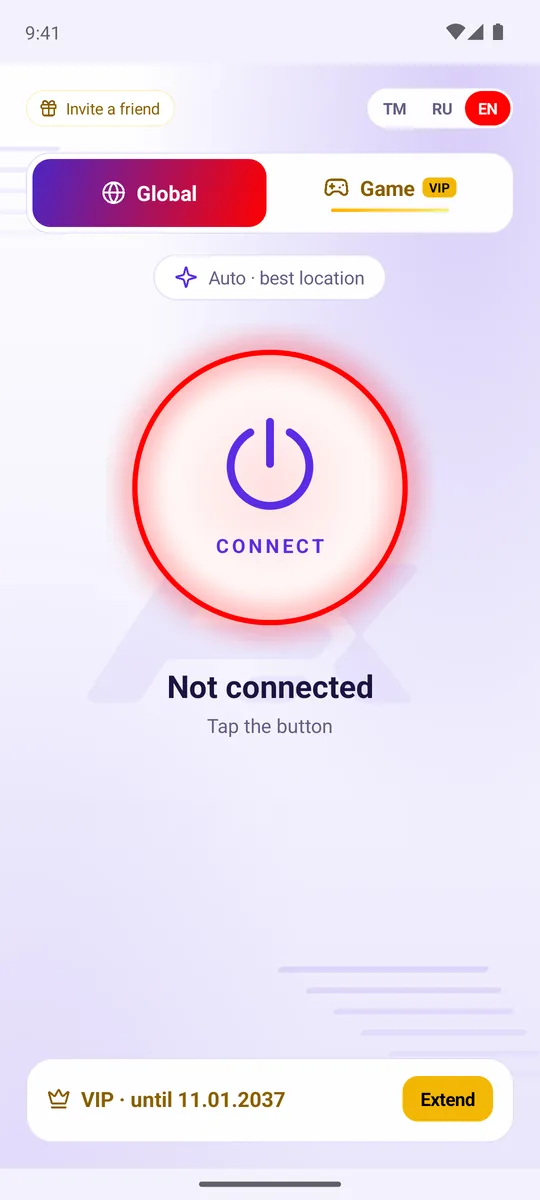
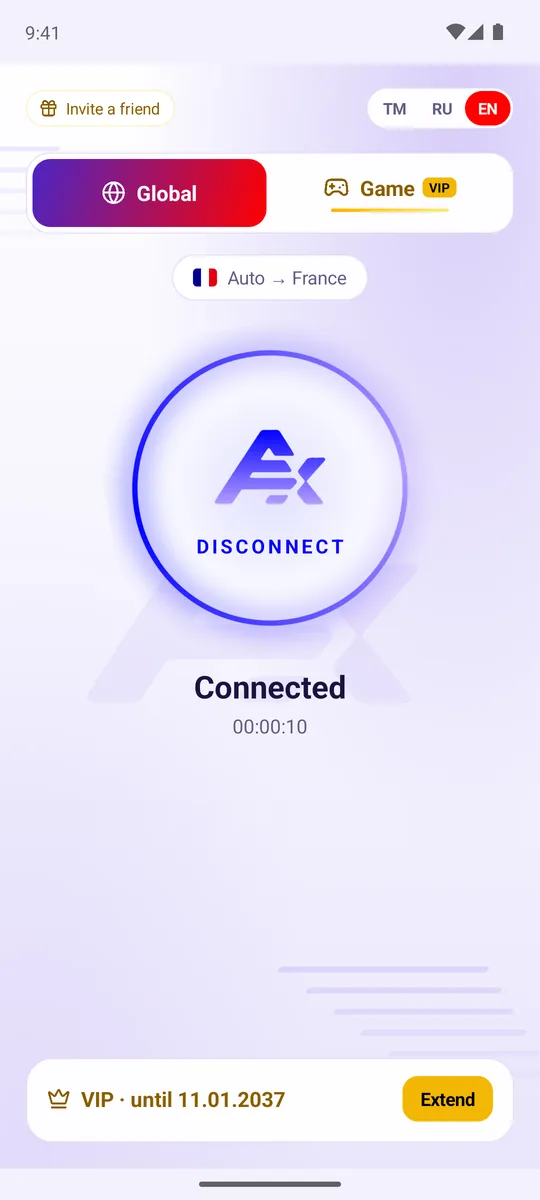
An interface drawn by us, not a template. Two themes follow your phone's setting — the connect ring above is the one from the app.
No activity logs
We do not log the sites and apps you use and do not sell or share your data. Details — in our Privacy Policy.
A clean interface, light and dark.
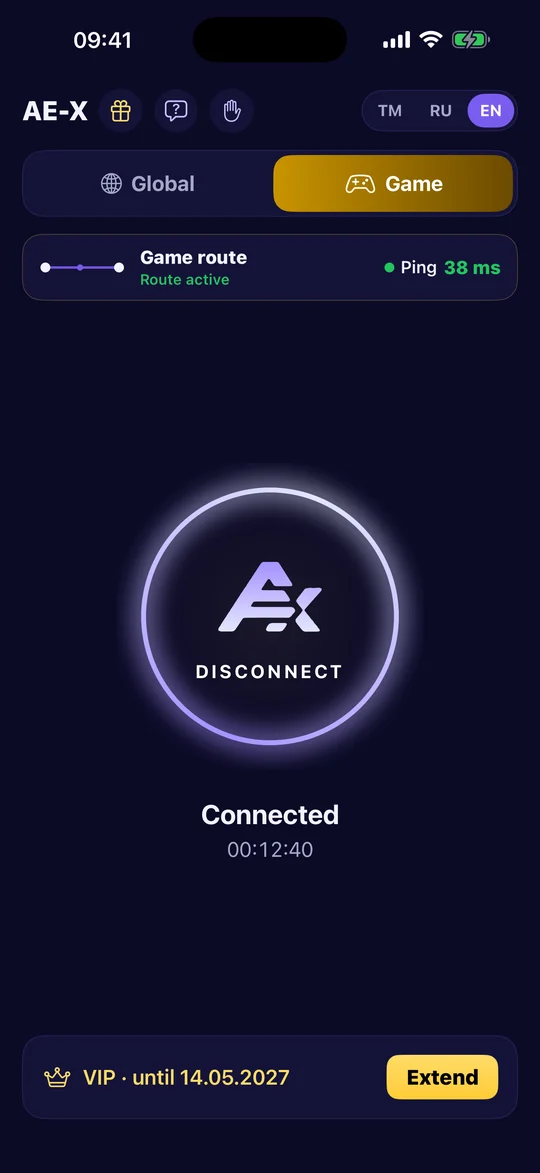
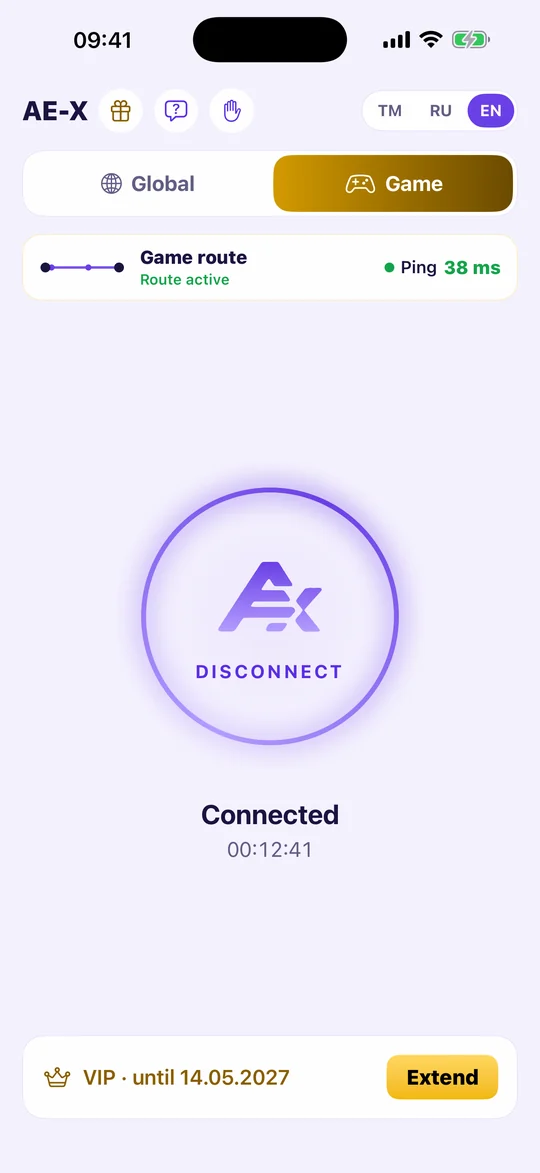
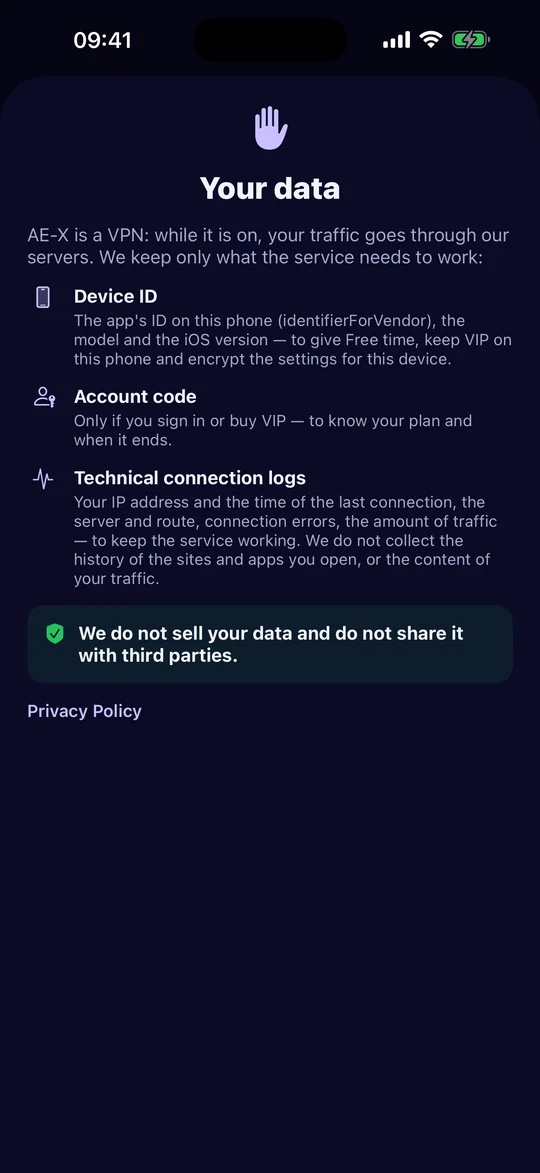
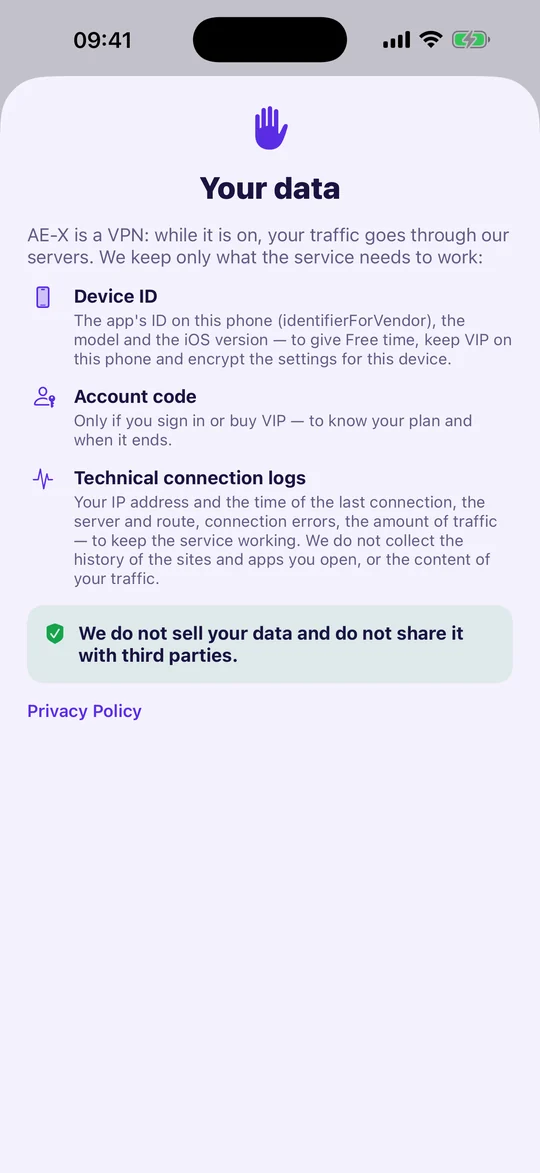
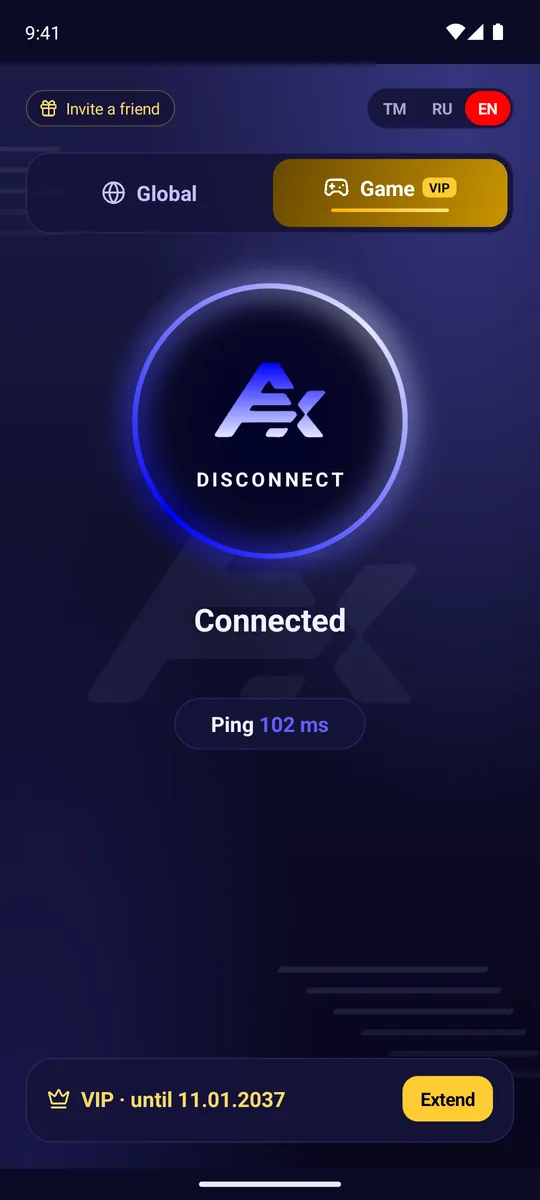
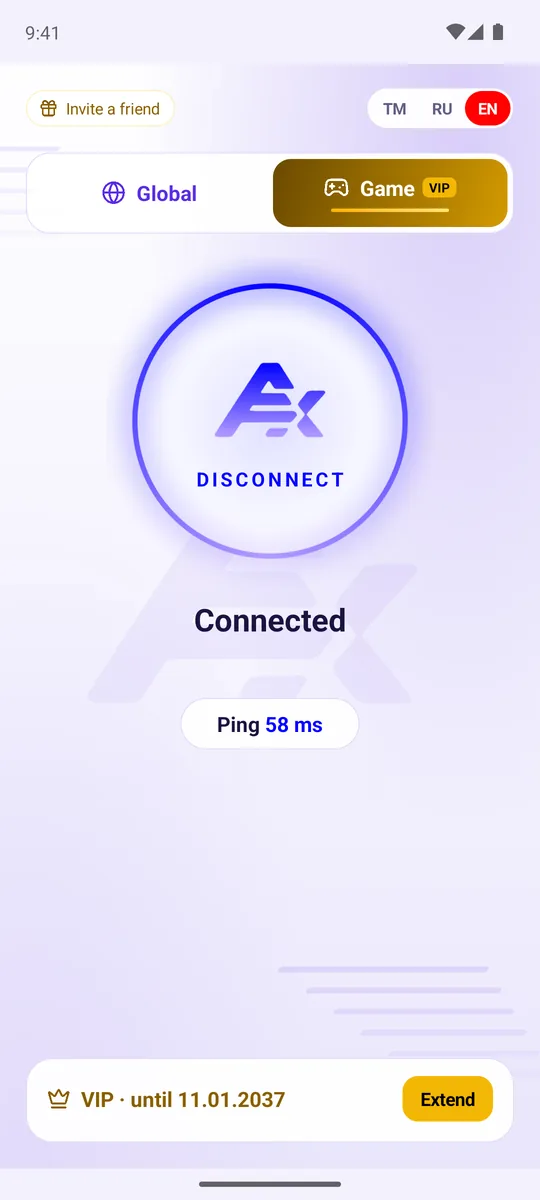
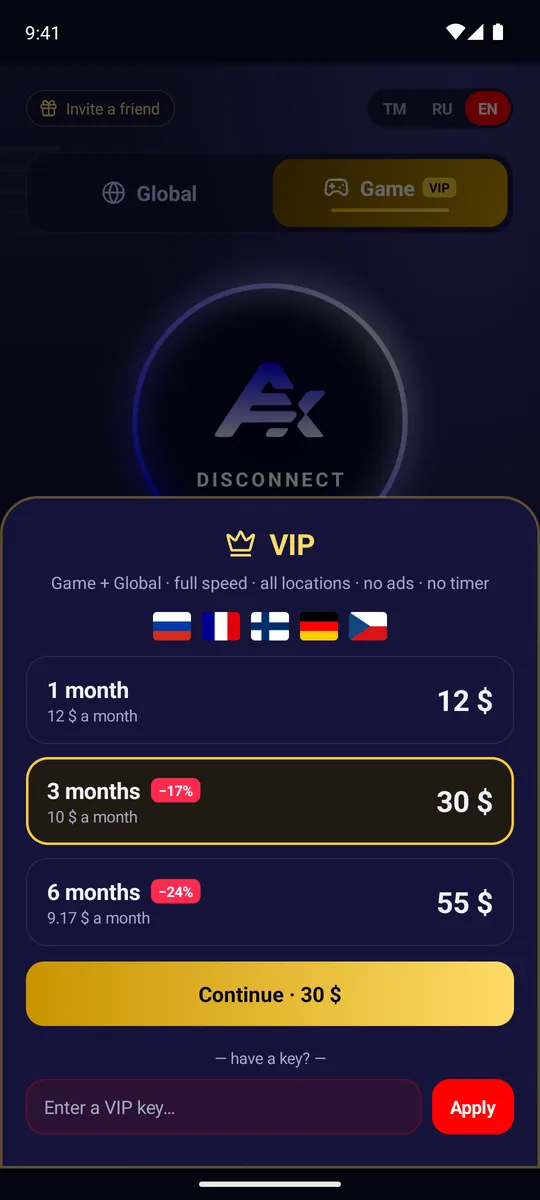
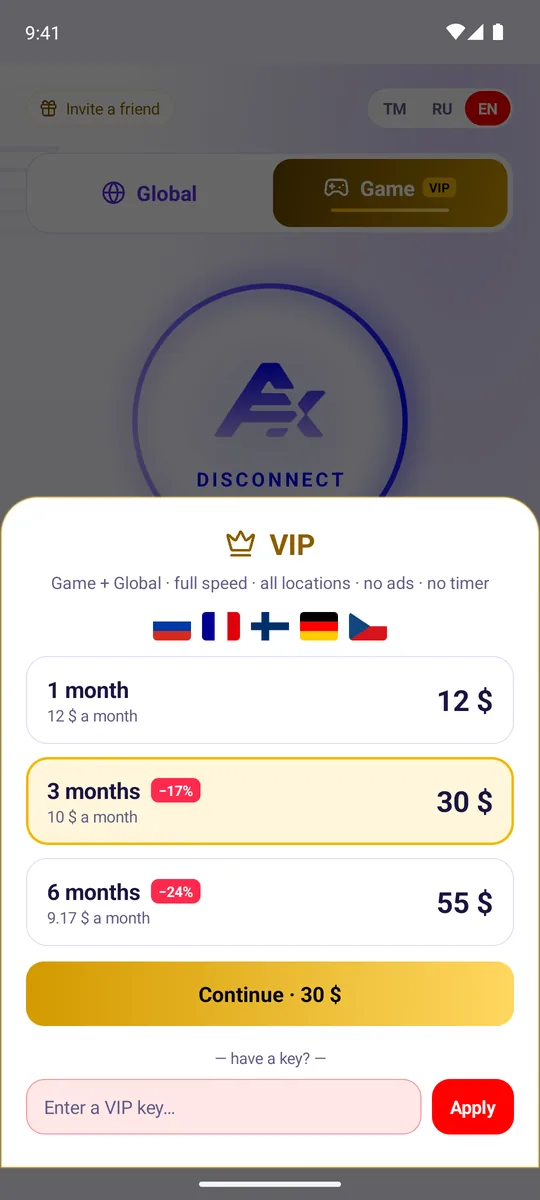
We’re working on the Windows version
We’re working on the Ubuntu version
Connected in three steps.
Install AE-X
No sign-up. The app creates an anonymous device ID; existing customers can sign in with their account code.
Tap the ring
The system asks once to allow the VPN configuration. AE-X picks the best location and the right engine for it.
Stay connected
The ring turns on. In Global the core keeps watching the path; in Game you see the live ping.
Free to try. VIP without limits.
Free
- Free time to try the service
- No sign-up, no account
- Global mode with automatic location
VIP
- No timer
- Global and Game modes
- All locations, auto or by hand
- An in-app purchase, non-renewing — no auto-billing
The price is shown in the App Store or Google Play before you buy, in your local currency. Existing customers can also sign in with their account code.
Get AE-X.
App Store
For iPhone and iPad
Google Play
For Android phones and tablets
Windows
For Windows PCs and laptops
Ubuntu (Linux)
For Ubuntu and other Linux desktops
Questions.
What is AE-X?
Do you log what I do online?
What is the difference between Global and Game?
How do I get VIP?
I bought VIP but it is not active.
Which languages does the app support?
How do I delete my data?
How do I pay for VIP?
I changed my phone. How do I get my VIP back?
AE-X does not connect. What can I do?
Questions about AE-X?
Write to support@diaesystems.com — we usually reply within one business day.